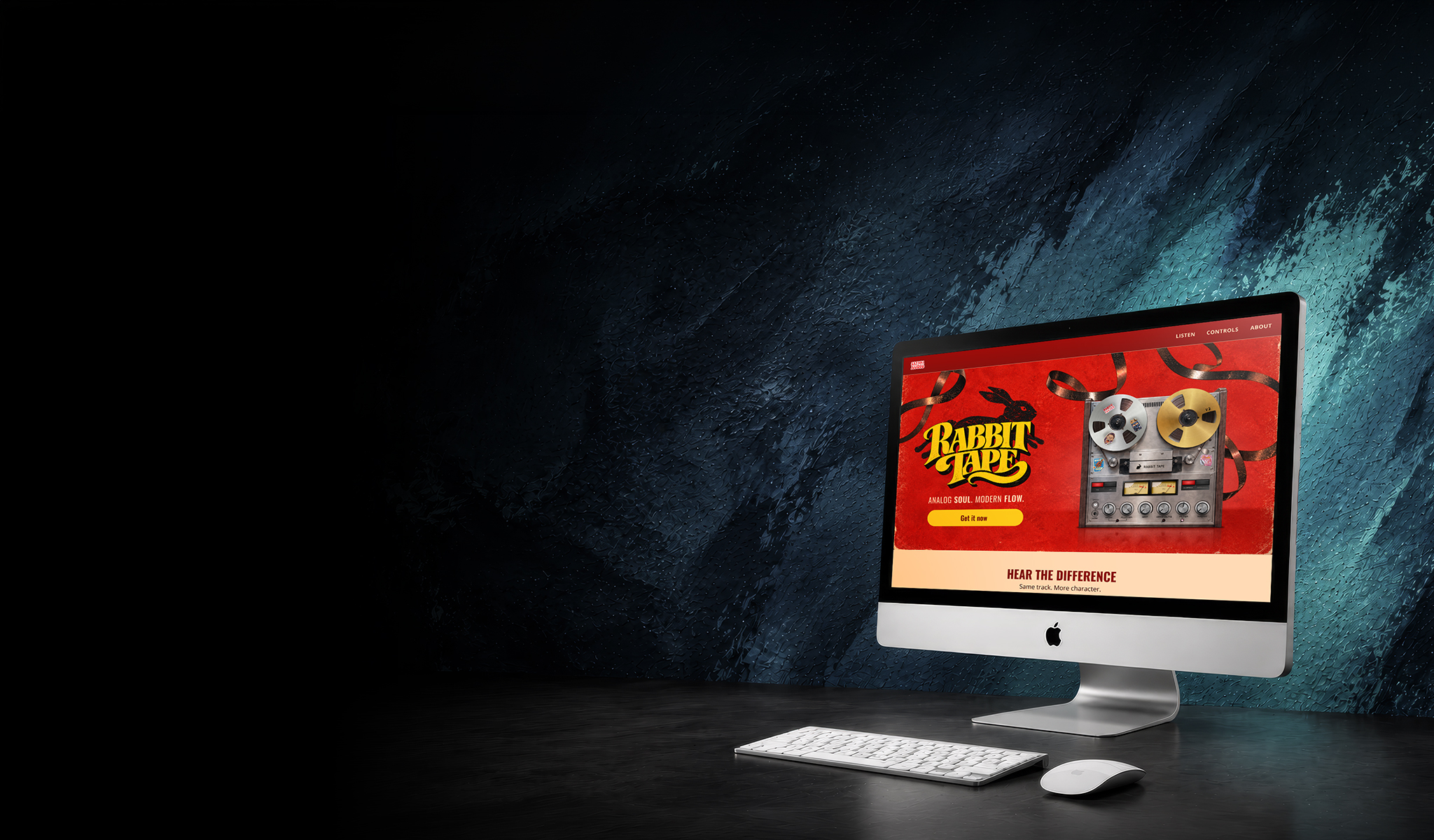
Project Overview
Rabbit Tape is a tape-effect plugin by Safari Audio. It adds wow, flutter, grit and drop outs: the character of a vintage reel-to-reel machine. I designed a launch concept for it, from the key visual and social posts to the launch email and the product landing page.
Design Challenge
Make it fun without making it childish. The launch needed enough drama to stop the scroll, while the page behind it had to stay clean, easy to read and still feel like one connected story.
From product render to launch visual
The brief came with one product render, a logo and a few studio photos. Everything else had to be created.

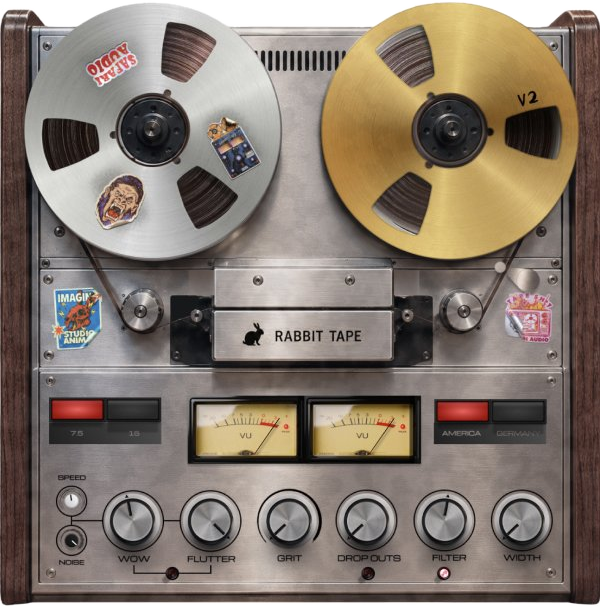
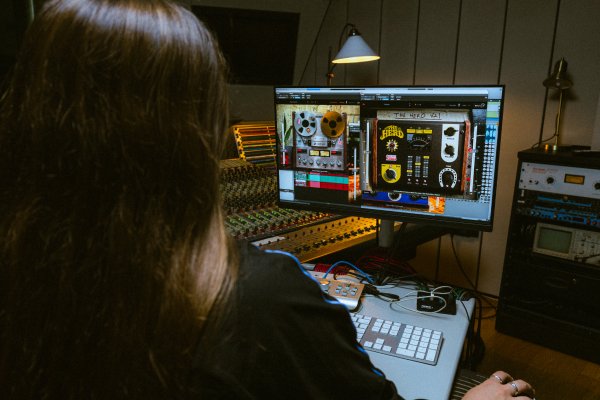
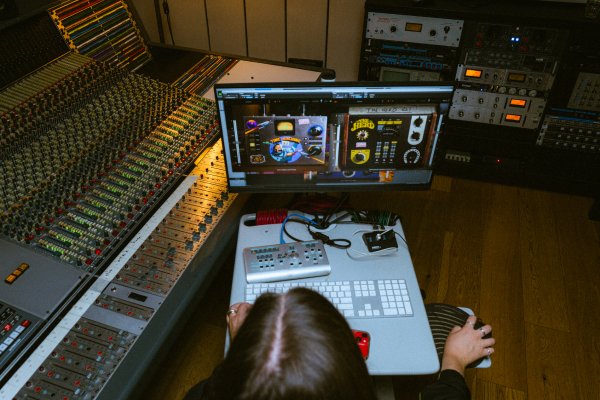

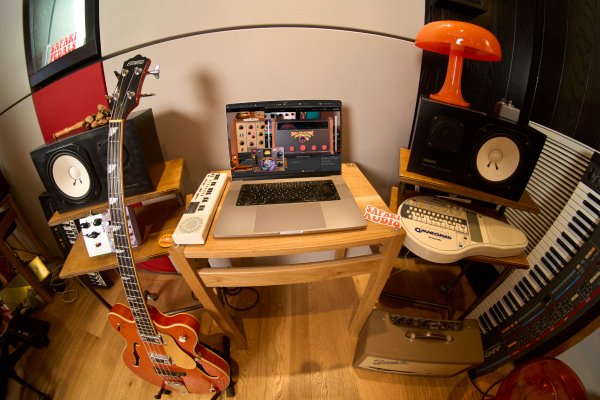
One product render, the Safari Audio logo and four studio photos.
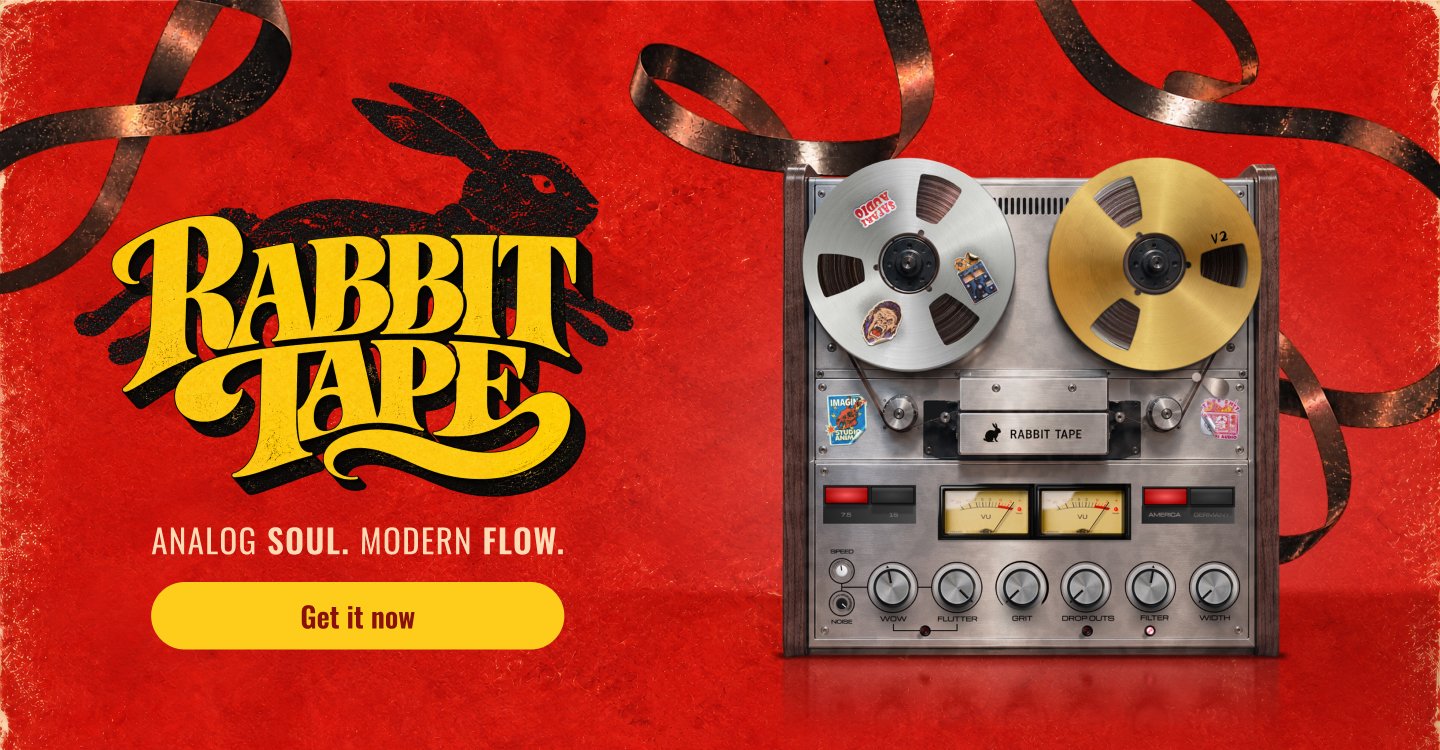
A launch visual with its own identity, built to carry the whole campaign.
Giving the machine a personality
A render alone isn’t a launch. It needed a personality of its own.
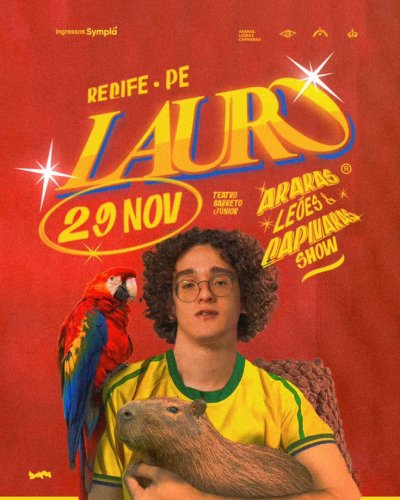
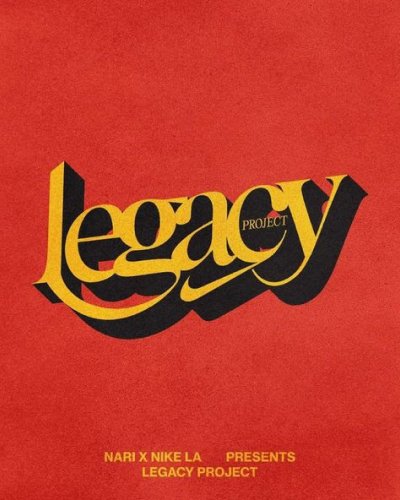
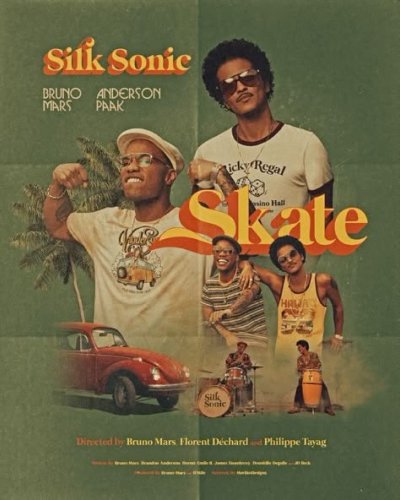
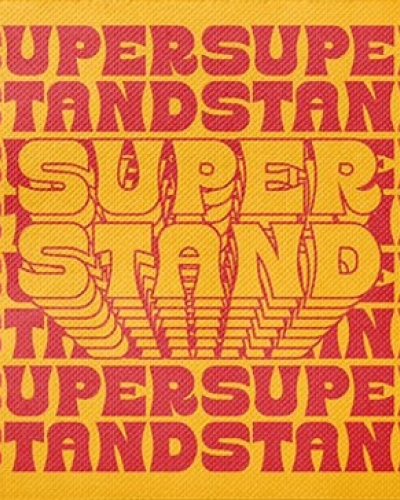
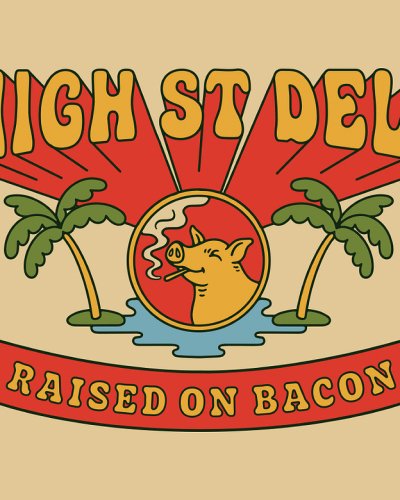
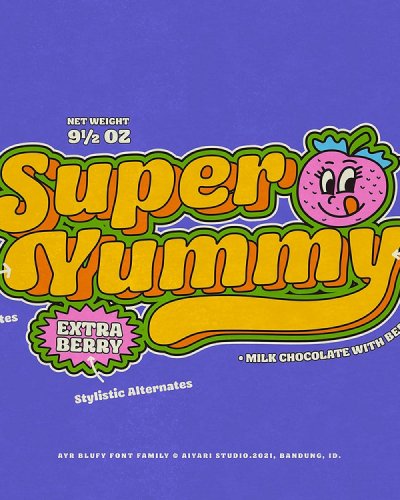
70s gig posters set the tone: bold lettering, warm color and a lot of attitude.
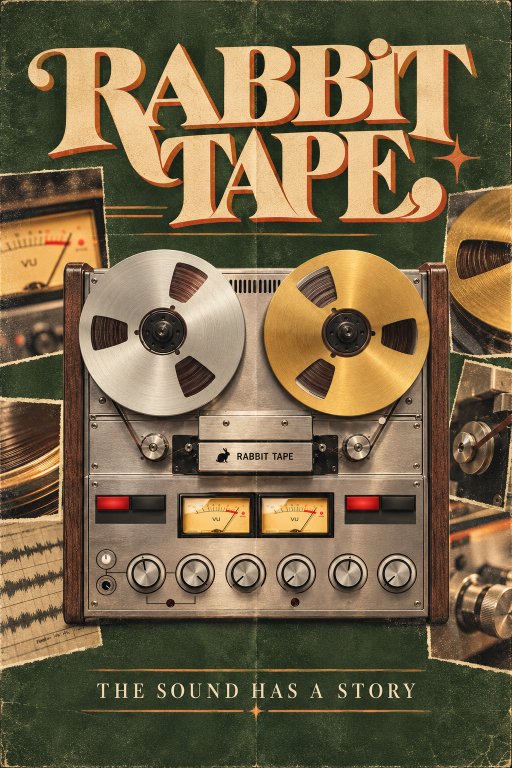
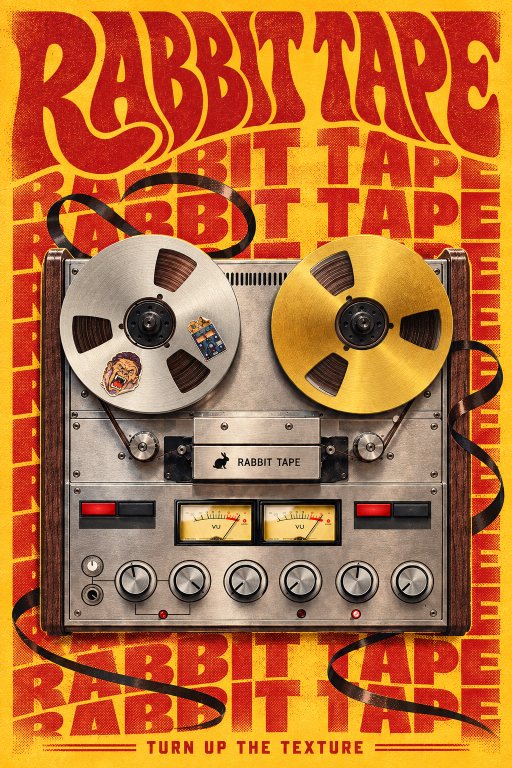
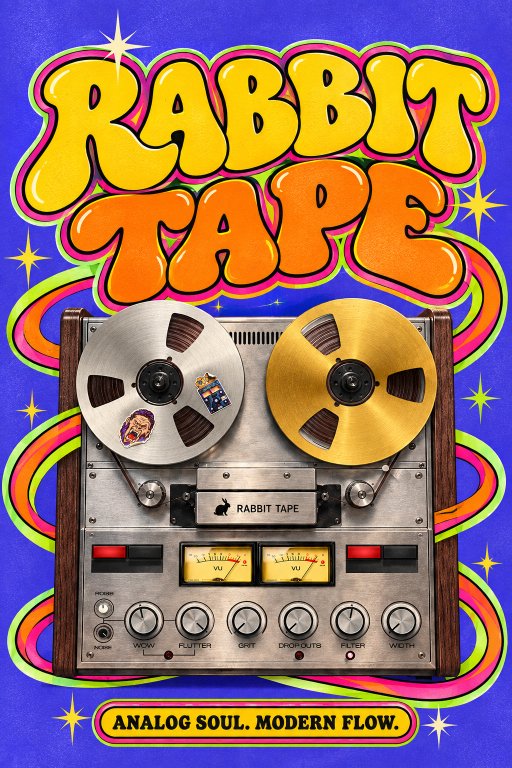
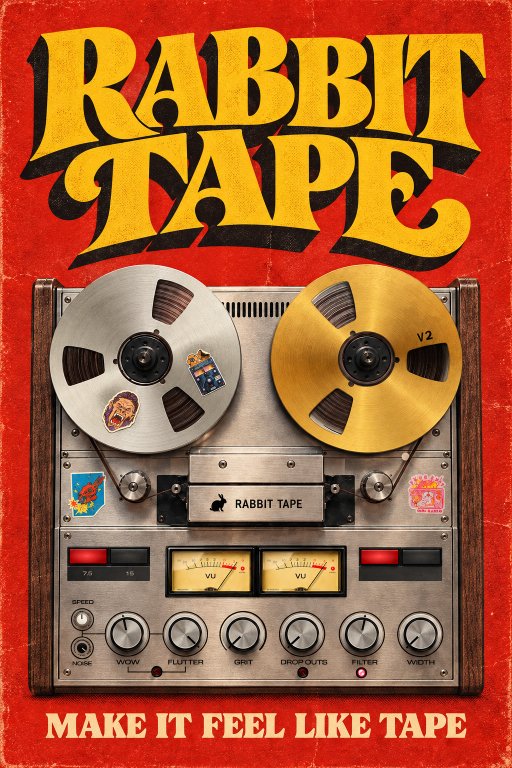
I generated a range of directions with ChatGPT, from retro green to psychedelic blue.
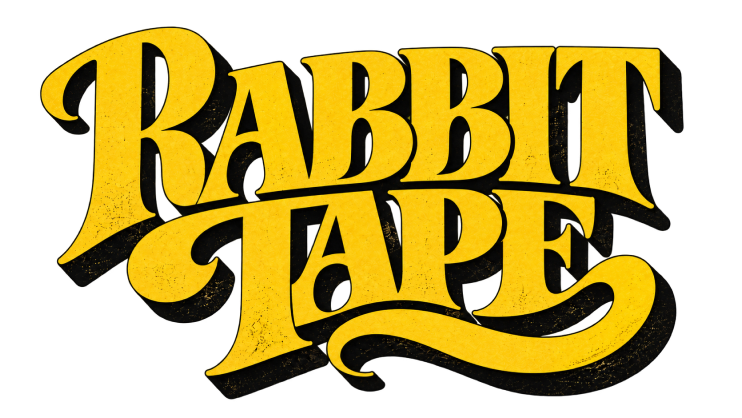 Wordmark
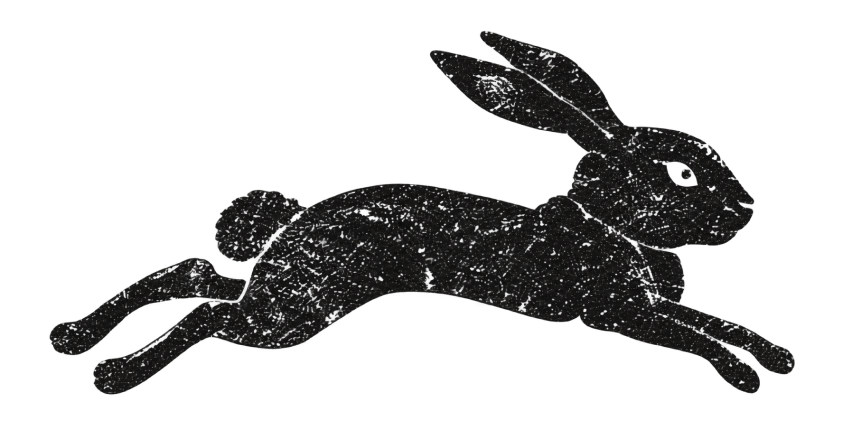 Rabbit
 Tape ribbon
 Grain texture
I kept only the pieces that carried the mood: the wordmark, the leaping rabbit, the flying tape and the grain.
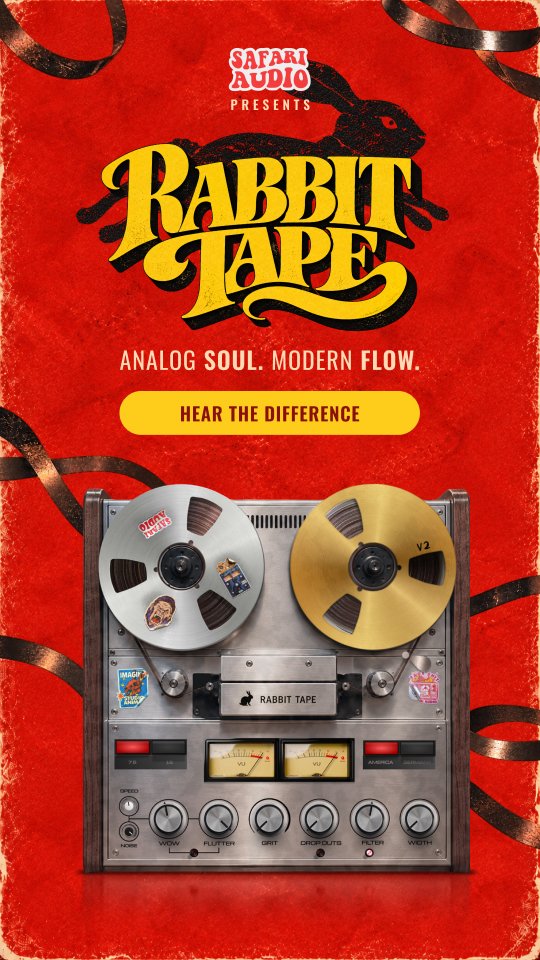
Then I composed them around the product, so the machine stays the hero and the type does the shouting.
One launch, three phases
Curiosity first, details later. Each phase answers the next question a producer would ask.
Tease
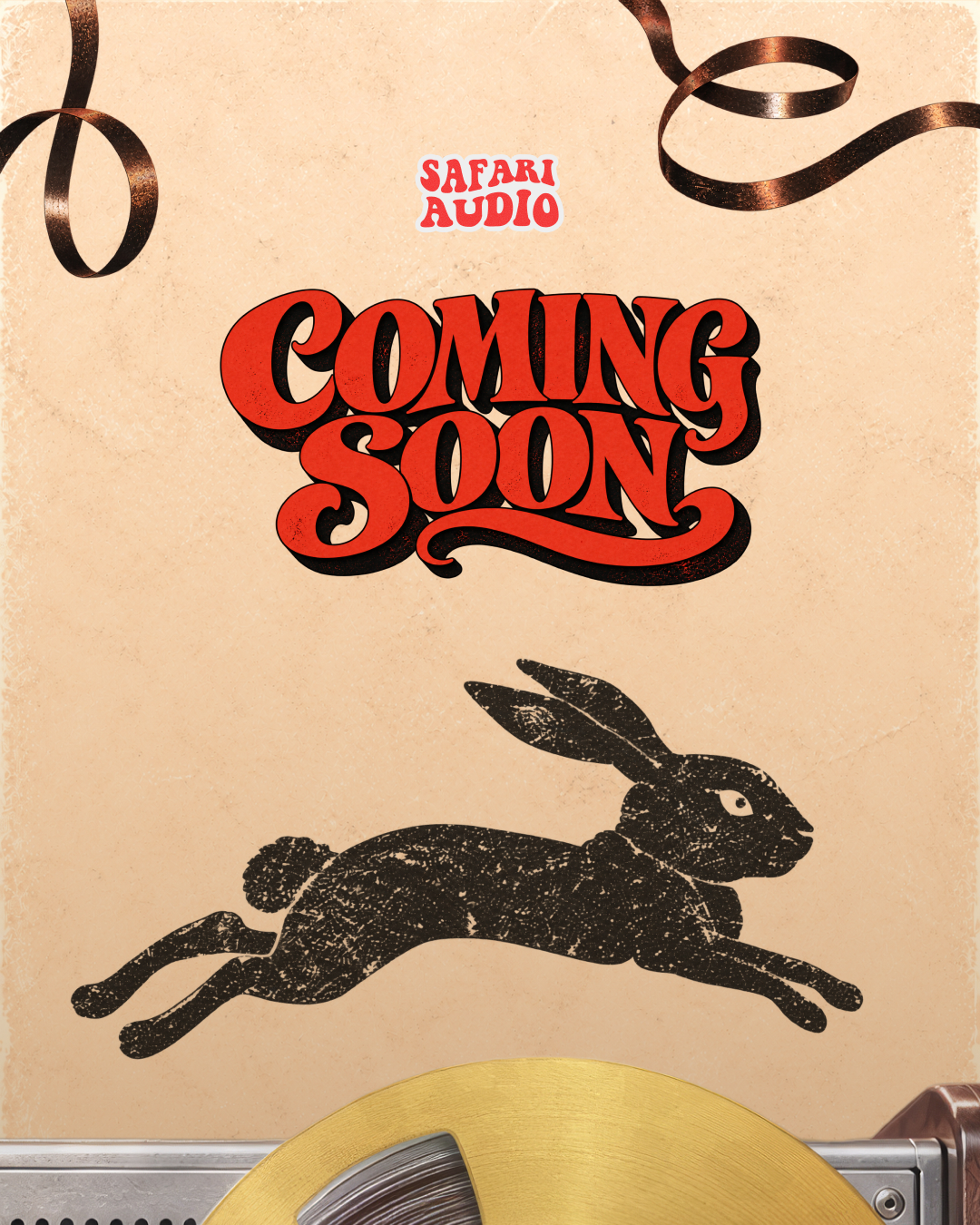
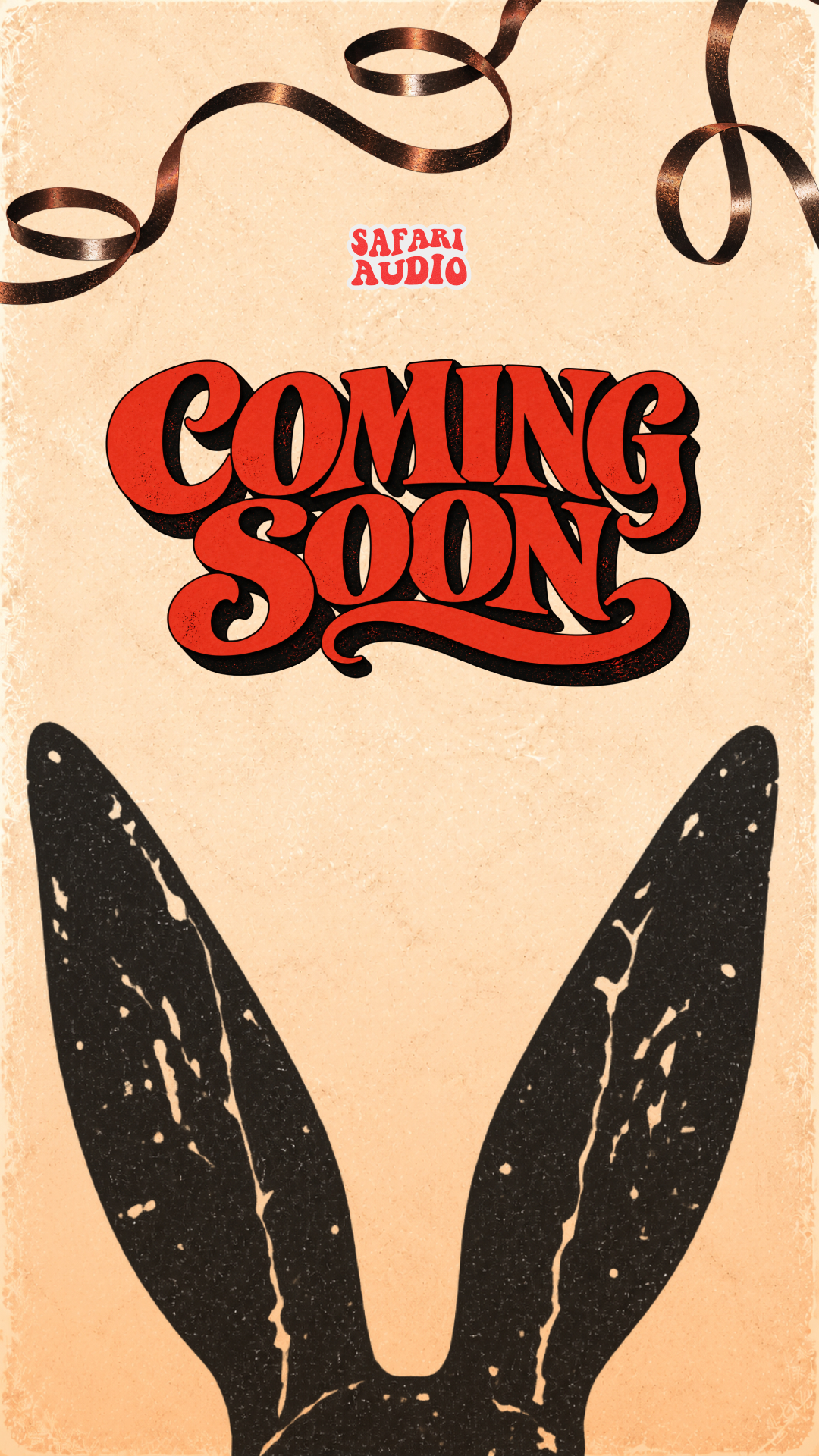
Just the rabbit and “coming soon”. No product, no price, only curiosity, so the reveal has something to pay off.
Reveal
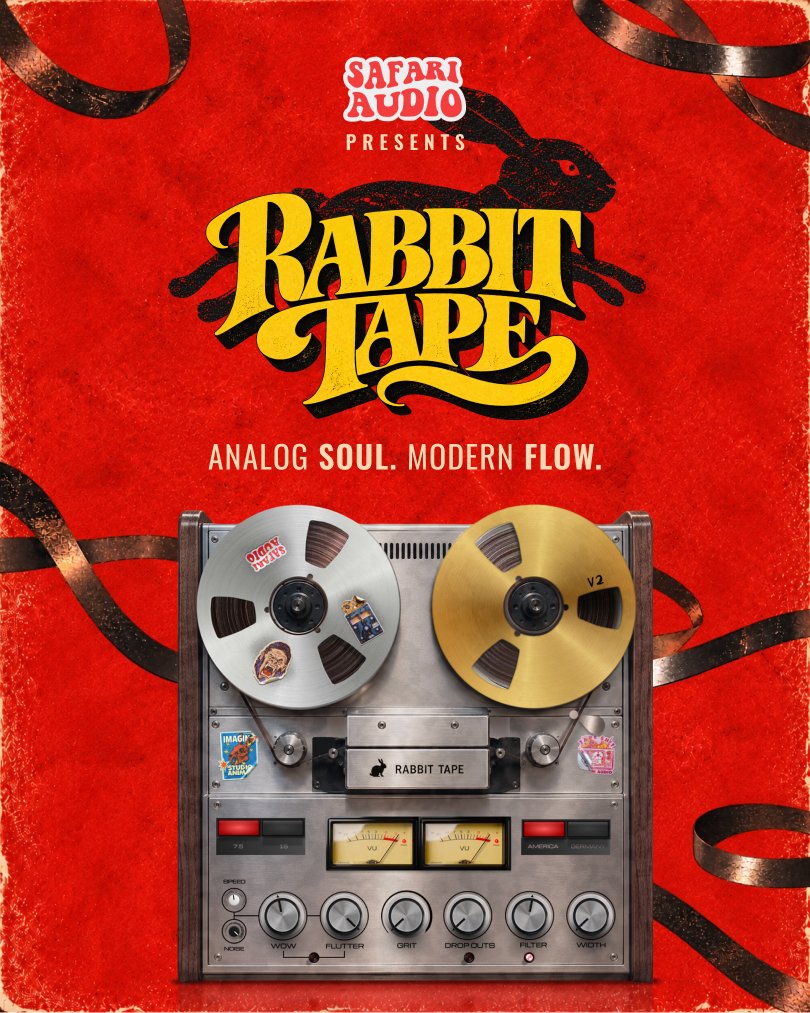
The machine, the wordmark and one promise: analog soul, modern flow. The story adds one action: hear the difference.
Explain & convert
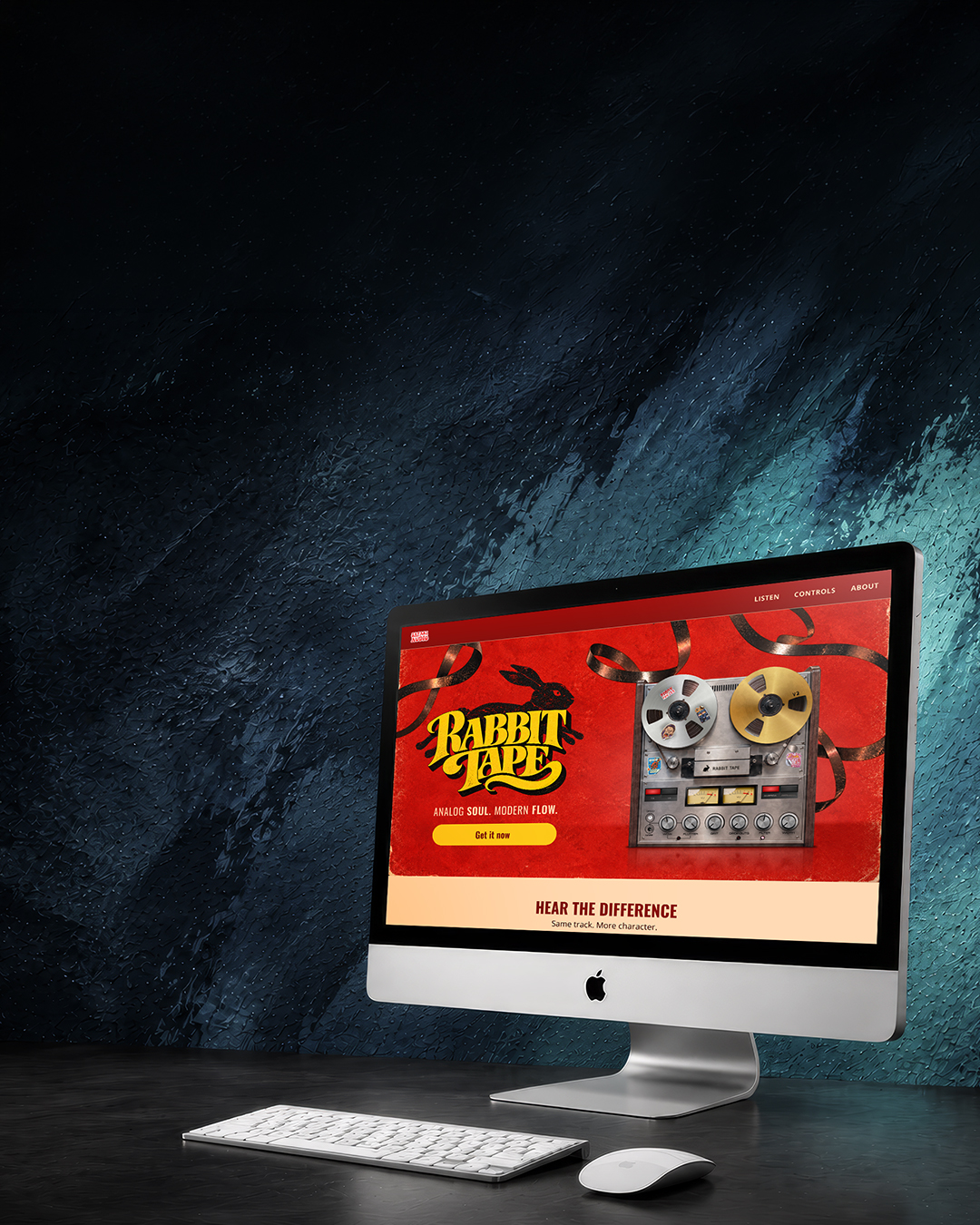
The email brings the story and the launch price to subscribers. The landing page turns curiosity into understanding, then into a purchase.

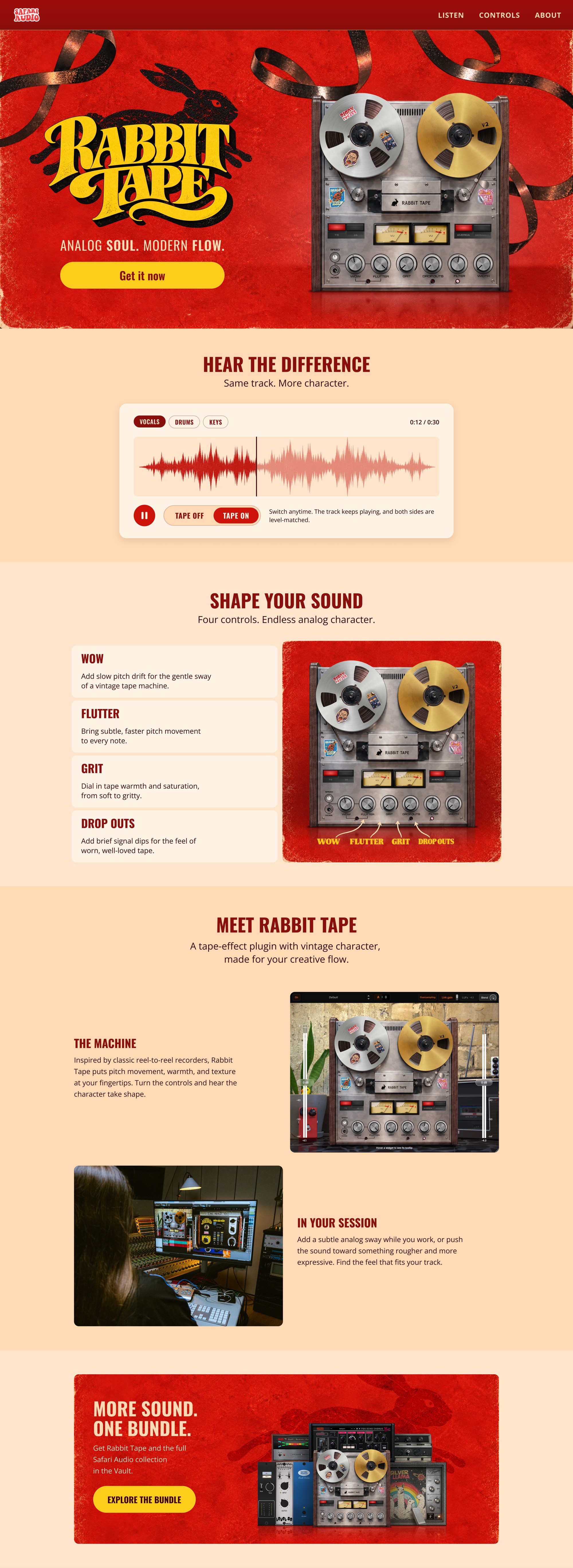

Drama on top, calm below
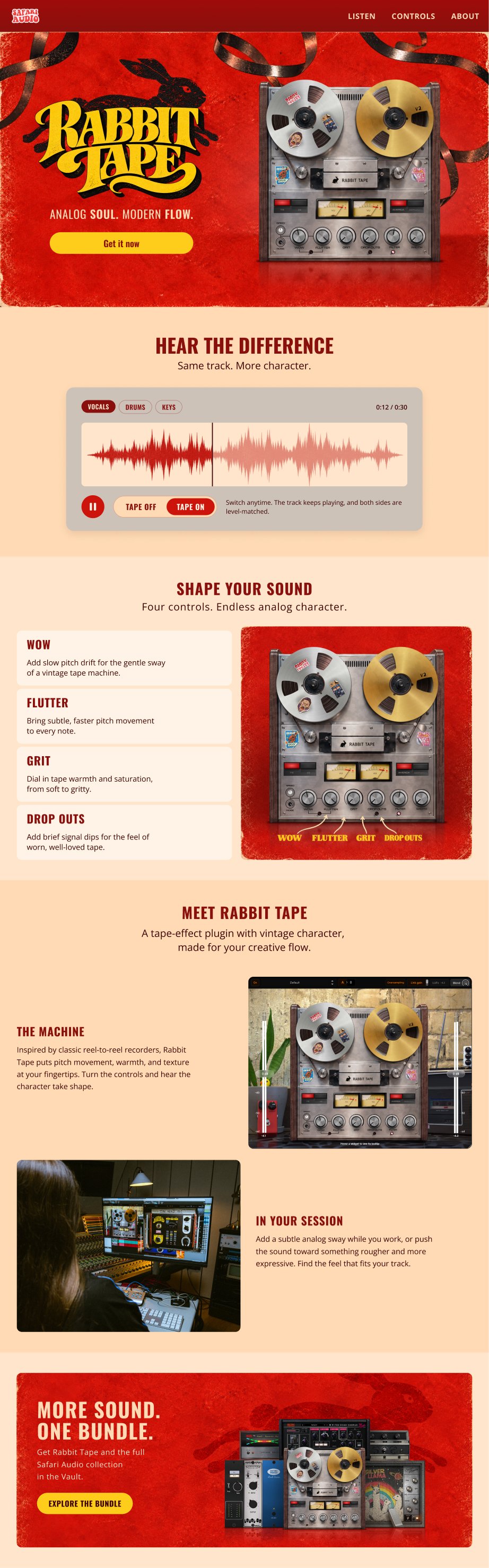
The hero carries all the drama. Everything below it stays clean and easy to scan, so producers can focus on the sound.
- 01Hero
Stop the scroll
The only loud moment: wordmark, machine and a single action.
- 02Hear the difference
Prove it by ear
One player and a Tape on/off switch, before any explanation.
- 03Shape your sound
Explain the controls
Four controls, one card each, mapped to the machine.
- 04Meet Rabbit Tape
Show it in a session
The machine and the studio, so producers picture it in their own work.
- 05Bundle
Offer a second way in
The Safari Audio Vault, for producers who’d rather subscribe than buy one plugin.
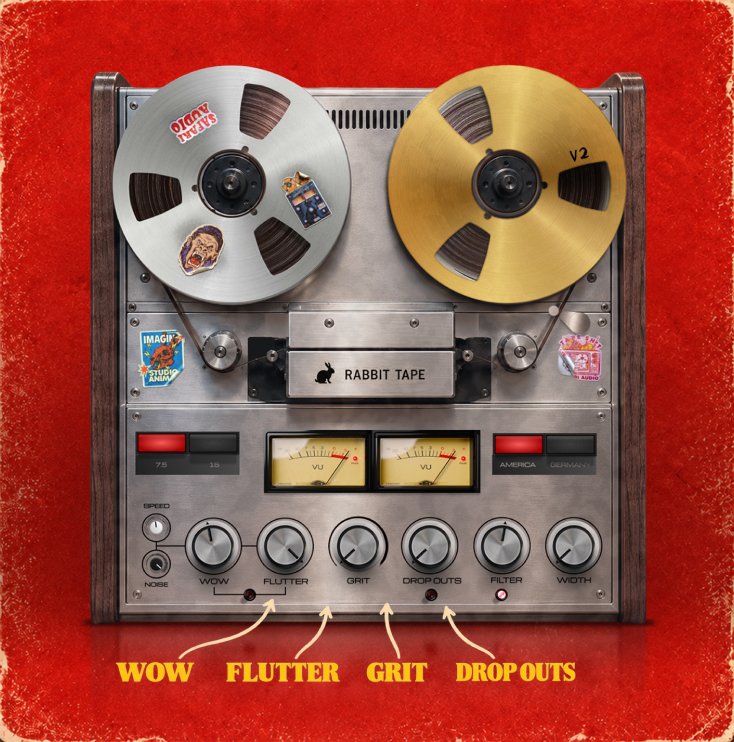
The four controls
One knob each on the machine, one card each on the page. The same names and order everywhere, so nothing needs translating.
- 01
Wow
Slow pitch drift, the gentle sway of a vintage tape machine.
- 02
Flutter
Faster, subtler pitch movement on every note.
- 03
Grit
Tape warmth and saturation, from soft to gritty.
- 04
Drop outs
Brief signal dips, the feel of worn, well-loved tape.
Same track. More character.
A launch that grabs attention with personality, then gives producers the answers they need once they click through.